
Your inbox for the business of life
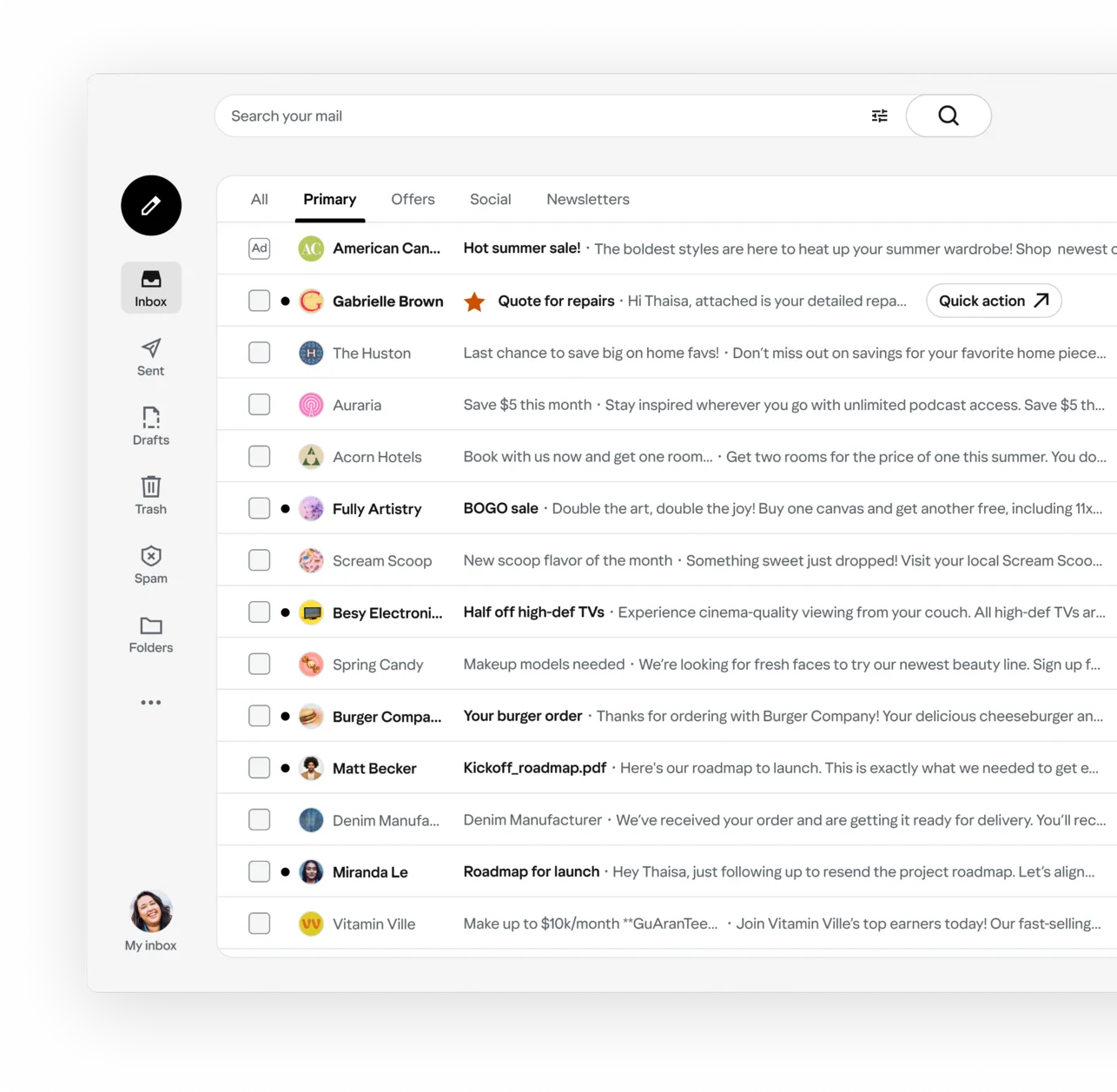
Email that understands you. Your day summarized, your inbox organized, your time back. Connect any email address and experience the magic.
Connect your email




120K app store ratings120K ratings
of spam blockedSpam blocked
downloads worldwideDownloads
Your inbox, handled
Junk gone, accounts together, the important stuff up front.
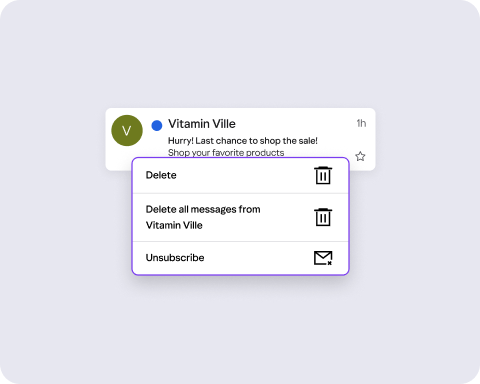
Goodbye junkClear years of junk in a few taps
Clear years of junk in a few taps or unsubscribe in a tap.Delete everything one sender's ever sent you. Unsubscribe in a tap.


One inbox, every address
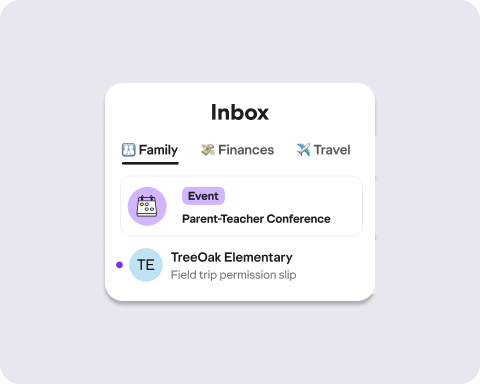
Personal, school, family and — even the one you use just for shopping. See them together or separately, clearly labeled and without switching between accounts.
*Your email password is never shared or stored.
The important stuff, sorted and surfaced
Bills, deliveries and deadlines rise to the top. Promotions get grouped out of the way. One look tells you what needs you today.
Connect with confidence
We use secure authentication so your private information stays private.
Encrypted connections
Secure access wherever you sign in, safeguarding your email on every device.
Your password stays yours
Sign in with secure authentication, and use app passwords for third-party mail apps — your main password is never shared.
Spam stays out
Built-in filters block spam and phishing attempts before they reach your inbox, no setup required.
Frequently Asked Questions
Everything you need to know.
Do I need a new email address?
No. Connect the accounts you already have — Gmail, Outlook, Yahoo or another provider — and keep every address exactly as it is.
Which accounts can I connect?
Gmail, Outlook, Yahoo and most other email providers. Add as many as you like and read them all in one inbox instead of logging in and out.
Do I have to stop using my current email?
No. Your accounts keep working exactly as they do today and you can open any of them whenever you want. Connecting them here doesn't change or disable anything.
Will I lose any emails, contacts or folders?
No. Everything stays where it is — your messages, your contacts, your folders and labels. Owl gives you another way to get to them.
Which address do my replies come from?
Whichever account you're replying from. Everyone sees the address they already know, so nobody needs to update anything.
Is it safe to connect my accounts?
Yes. You sign in through your provider directly, using the same secure sign-in you'd use anywhere else. Your emails and contacts stay protected.
Do you get my password?
No. Your password goes to your email provider and only your provider — Owl never sees it or stores it.
What happens right after I connect?
Your inbox shows up straight away, already sorted, with search and cleanup tools ready to go. There's nothing to set up.
Will this slow down my email?
No. Your mail sends and arrives exactly as it does now. The only thing that changes is where you read it.
How does bulk unsubscribe work?
Owl gathers your subscriptions in one place, so you can drop the ones you don't read without opening a single email or hunting for the unsubscribe link.
Is it free?
Yes. Connecting your accounts, cleaning up your inbox, searching and organizing are all free to use.
Can I disconnect later?
Yes, any time. Disconnecting removes the connection and leaves your accounts exactly as you found them.
Why use Owl instead of the app I have?
Because you don't have to choose. Keep every address you already use and get a cleaner inbox on top — faster cleanup, easier unsubscribing, automatic sorting and all your accounts in one place.